
Our sales manager will contact you shortly
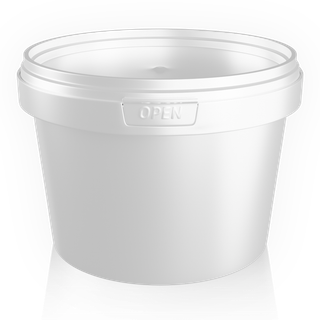
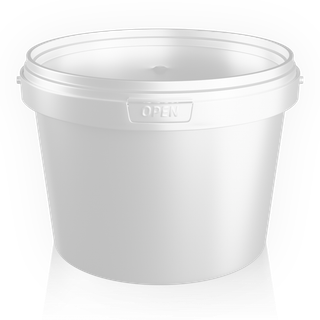
560 or 800 ml
Plastic buckets- +240 ml capacity
- +11 mm height
- 7,200 and 6,480 pcs per pallet
- plastic per liter: 41 and 37 g
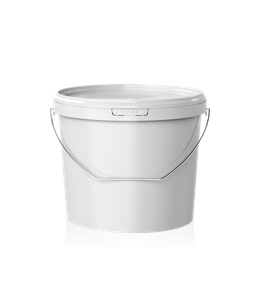 Plastic buckets14 sizes · 560 ml to 21 L
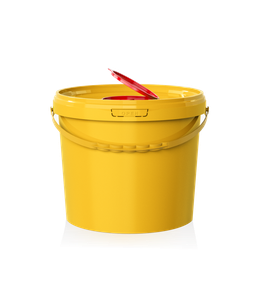 Medical buckets9 sizes · 1 to 21 L
 Food containers5 formats · 250 to 750 ml
 Plastic jerry cans5 L and 10 LPlastic buckets16 models, 560 ml - 21 LMedical buckets10 models, 1 - 21 LFood containers5 models, 250 - 750 mlPlastic canisters5 and 10 L塑料桶16 个型号,560 毫升 - 21 升食品容器5 个型号,250 - 750 毫升塑料方桶5 升和 10 升
Hello! We'll suggest the right size for your product, calculate pallets, and quote a price for your order.
Up to four items at the same scale: key figures, row-by-row differences, and the right size for your fill weight and order.
Dimensions, weights, and units per pallet are from our factory spec sheets. Capacity is estimated from the item's volume and the product's average density: for an exact fill, test with your own product. Your sales manager confirms price and lead time. How to use the comparison
Rotate the model, open the lid, and lift the handle. Color, printing, and PDF artwork proof are in the 3D configurator.
Each action is shown in a short screen recording: 6 steps on desktop and 4 steps on mobile.
Click an item name to swap it, or click "Add" to add more, up to four in total. "Preset" loads popular combinations in one click, and the cross above an item removes it.
The "Overview" tab answers common questions right away: will the pallets fit in a semi-trailer, which item uses less plastic per liter, and which order is lighter. Below are six cards with bar charts; each bar's color matches its item.
The "Difference from first" switch shows, next to each value, how much it differs from the first item. "Differences only" hides rows where the items match.
On the "Product and order" tab, choose a product, enter how many kilograms go into each container, and click "Suggest sizes." Then enter your order size to see units, pallets, trucks, and packaging weight for each option.
The "3D" button on an item opens its model: you can rotate it, open the lid, and lift the handle. A switch at the top of the window moves between the compared items.
The button in the top right corner expands the comparison to fill the window, which makes the "Full table" easier to view. "Link to comparison" copies the URL, which opens the same items, product, and order.
At the top are two lists: "Preset" and "Add item." Tap the name under a silhouette to swap the item; the cross removes it.
Under the silhouettes are the product, order, and fill weight, then conclusions and cards with bar charts. Tap a card to open the matching table tab.
On the "Item," "Pallet," and "Product" tabs, labels sit above the values. Turn on "Difference" to see how each value differs from the first item, right below it.
On the "Product" tab, enter the fill weight and tap "Suggest sizes," then enter your order size below. The button with the pallet count opens the cart with this order.
These recordings were made on this page. Click a recording to view it full size.
Each pair of nearby sizes has its own page explaining who each size suits and how they differ. Here are the key figures.
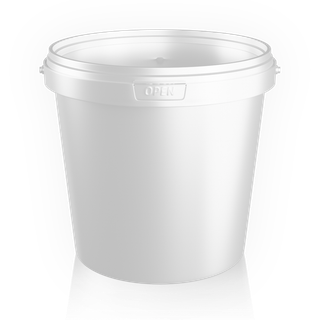
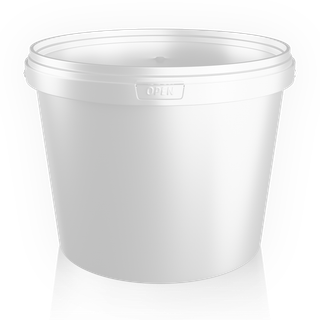

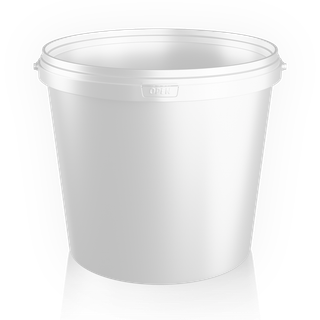
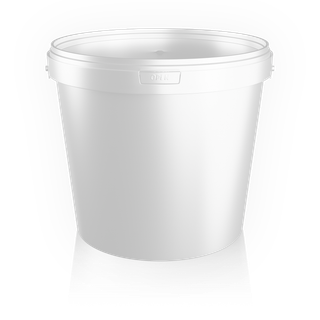


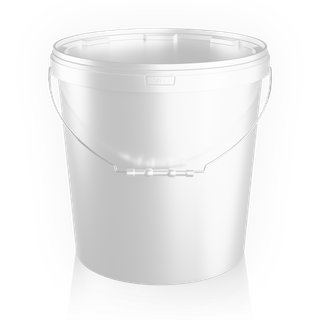

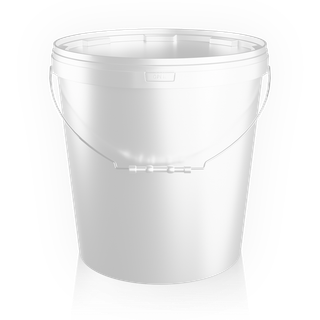
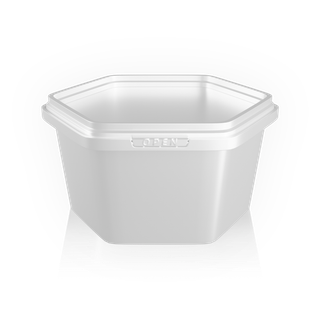


From 560 ml to 21 L, side by side as they'd stand on a warehouse shelf. Click a bucket to add it to the comparison.
Scroll the lineup sideways to see all 14 buckets
Brim-full capacity, fill weight, nearby size pairs, products, and 3D.
Choose up to four items or a preset. The "Overview" tab shows conclusions and bar charts for key parameters; the other tabs show a table where rows with differences are marked and the best values are highlighted in green. The "Difference from first" switch shows how much each item differs from the first.
It's the bucket's capacity when filled right to the brim. The working capacity is smaller: you leave room for the lid and some air so the product isn't squeezed out when you close it.
Both have the same Ø 332 mm top and use the same lids, so 18 L lids fit the 21 L bucket. The 21 L bucket is 47.5 mm taller and 94 g heavier. Both ship 600 pcs per pallet. See the 18 or 21 L page for details.
Enter how many kilograms of product go into each container and click "Suggest sizes." The comparison shows the closest size that holds your fill, two larger sizes, and one smaller. The "Packing" row shows what share of the capacity your product takes up. The estimate is based on container volume and average density, so test with your own product for an exact fill.
On the "Product and order" tab, choose your product (honey, jam, sour cream, or oil) or enter your own density. We'll show how many kilograms fit in one item and how many units you need per tonne. Enter your order size, and we'll calculate units, pallets, and trucks for each option. The button with the pallet count adds that order to your cart.
Yes, every item in the comparison has a "3D" button. You can rotate the model, open the lid, lift the handle, and switch between the compared items in the viewer. Color, printing, and the PDF artwork proof are in the full 3D configurator.
Click "Add to cart" next to the item, "Calculate order" to open the calculator with the selected items and quantities, or "Ask on WhatsApp." Your sales manager will quote the order price; call +996 222 600 292.
Send a request from your cart or give us a call: our sales manager will help you choose the size, calculate the pallets, and quote a price for your order.